
Technical Blueprint · Health IT & HIM Leadership
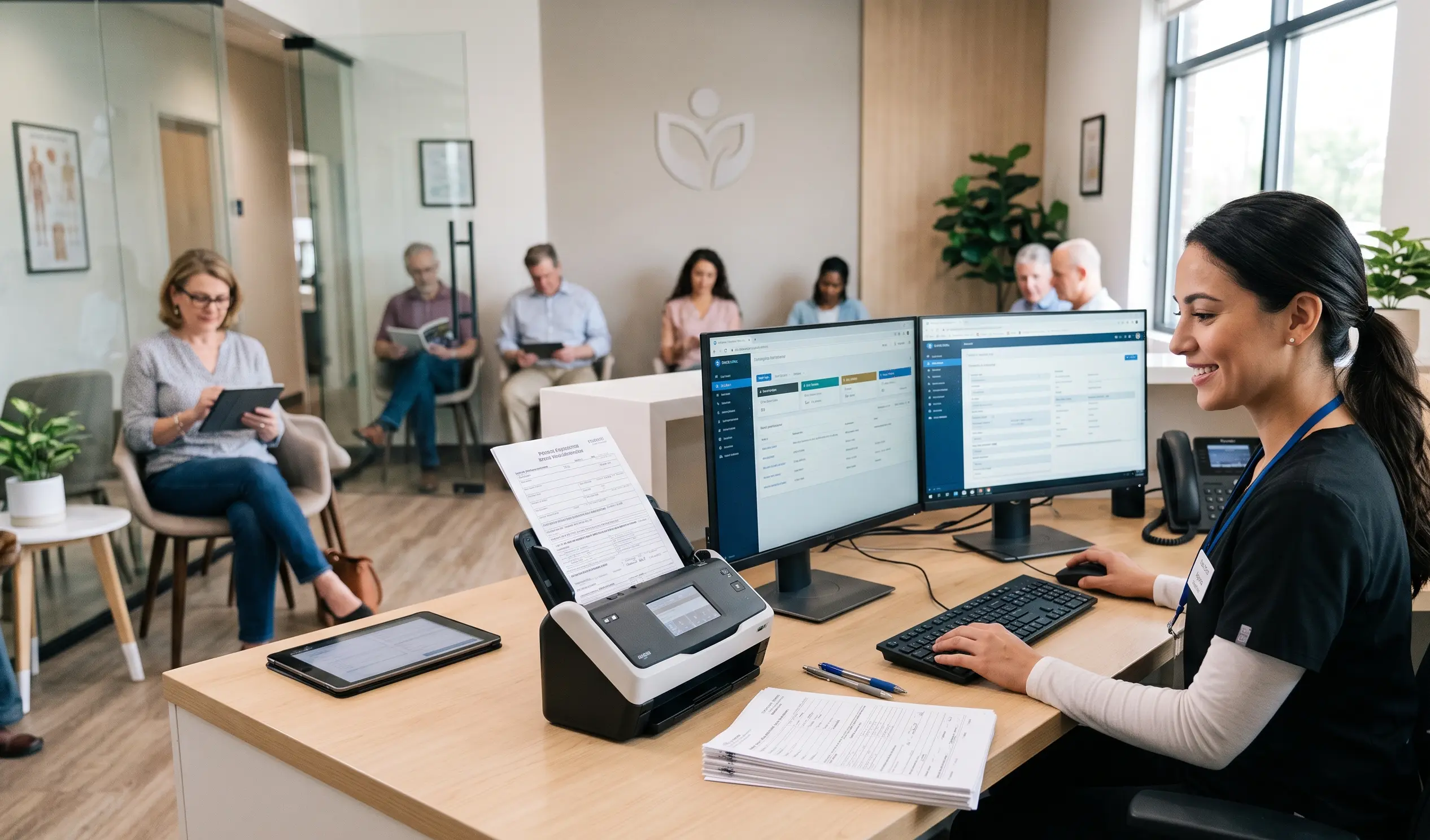
Intelligent Document Processing for Patient Intake is transforming healthcare by automating patient registration, document capture, verification, and data extraction using AI-powered technology. Hospitals and healthcare organizations use AI-powered Intelligent Document Processing (IDP) to reduce manual work, improve accuracy, accelerate patient onboarding, and streamline healthcare workflows.
How Health IT Directors and HIM Managers are replacing manual document workflows with AI-powered IDP — from intake to EHR
Patient intake is the most document-intensive workflow in healthcare operations. In the time between a referral arriving and a patient being formally admitted, your team handles referral documents, demographic forms, insurance cards, consent paperwork, medication lists, physician orders, and clinical notes — each arriving in a different format, from a different source, with a different level of structure and completeness.
For Health IT Directors and HIM Managers, the challenge is not that these documents are difficult to process. It is that processing them manually does not scale — and the scaling problem gets worse as referral volumes grow, care settings diversify, and EHR integration expectations increase.
Intelligent Document Processing (IDP) is the technology architecture that resolves this: it replaces manual document handling with AI-powered extraction, validation, and EHR write-back that runs at intake volume, without proportional staff overhead.
This guide covers what IDP does at each stage of the patient intake workflow, how AutomationEdge's DocEdge IDP platform handles the full document lifecycle, and what Health IT Directors need to evaluate when selecting an IDP solution for a healthcare environment.
What intelligent document processing is — and what it is not
IDP is frequently conflated with OCR. They are not the same thing. OCR (Optical Character Recognition) converts document images into machine-readable text. IDP uses OCR as one component of a broader pipeline that also includes document classification, AI field extraction, validation logic, human-in-the-loop review, and system integration. The output of OCR is text. The output of IDP is structured, validated data posted to a downstream system.
For patient intake, the distinction matters enormously. A referral document that has been OCR'd is still an unstructured text file — someone must still identify which text is the patient's date of birth, which is the primary diagnosis code, and which is the attending physician's NPI. IDP applies AI extraction and Natural Language Processing (NLP) to perform that identification automatically, validate the extracted fields, and write them to the EHR without manual intervention.
IDP vs OCR vs Manual — What Each Delivers for Patient Intake
- Manual processing: Staff reads each document, identifies relevant fields, enters data into the EHR — accurate when done carefully, not scalable, error-prone under volume.
- OCR only: Document images converted to searchable text — eliminates the need to physically handle paper, but extracted text is still unstructured and requires manual review for data entry.
- Rule-based extraction: Templates map specific coordinates or patterns to fields — works for standardized forms, fails on variable-format referral documents and unstructured clinical notes.
- AI-powered IDP (DocEdge): Classifies document type, extracts fields using AI and NLP regardless of format variation, validates output, routes exceptions for human review, writes validated data to EHR — fully automated for routine documents, structured for exceptions.
The patient intake document landscape — and why it requires AI
Patient intake involves a broader range of document types than most administrative workflows — and the variation within each type is what makes rule-based approaches insufficient.
The common thread across all six document types is that no single extraction approach handles all of them. Structured forms require template matching. HL7 and FHIR messages require interface parsing. Clinical notes require NLP. Scanned documents require OCR with layout analysis. AutomationEdge's DocEdge IDP applies the right extraction approach for each document type automatically, routing each document through the correct model based on its classification.
How AutomationEdge DocEdge IDP works: layer by layer
DocEdge IDP processes patient intake documents through a structured pipeline — from document receipt to EHR write-back — with each layer handling a specific function in the automation chain.
| IDP Layer | What It Does in Patient Intake |
|---|---|
| Document Capture | Ingests documents from fax, email, EHR portal, scanner, and direct API — normalized into a single processing queue regardless of source format. |
| Classification | AI classifies each document by type — referral, consent, insurance card, clinical note — routing each to the correct extraction model. |
| AI Extraction (OCR + NLP) | DocEdge IDP applies OCR for structured fields and NLP for unstructured narrative — extracting patient demographics, diagnoses, payer data, medications, and care requirements. |
| Validation | Extracted fields validated against configurable rules: required field completeness, ICD-10 code validity, payer format checks, date logic — exceptions flagged automatically. |
| Human-in-the-Loop | Low-confidence extractions or validation failures routed to a structured review queue — reviewers confirm or correct specific fields without handling the full document. |
| EHR / System Write-back | Validated data posted directly to the target EHR or downstream system via pre-built connector — no manual re-entry, no copy-paste between systems. |
| Workflow Trigger | Downstream RPA workflows triggered by completed intake — eligibility verification, care team notification, prior auth initiation, billing system update. |
DocEdge IDP: technical specifications for Health IT Directors
For Health IT Directors evaluating IDP platforms, the following specifications define AutomationEdge's DocEdge IDP capability across the dimensions most relevant to a healthcare intake deployment.
| Capability | AutomationEdge DocEdge IDP — Technical Detail |
|---|---|
| Document input formats | PDF (native + scanned), TIFF, JPEG, PNG, HL7 v2, C-CDA XML, FHIR R4 JSON, EDI 835/270/271, fax-to-email, direct API |
| OCR engine | AI-powered OCR with layout analysis — handles skewed scans, low-resolution fax, handwritten fields, and multi-column layouts |
| NLP extraction | Named entity recognition (NER) for clinical entities — diagnoses, medications, procedures, care requirements extracted from unstructured narrative |
| Extraction models | Document-type-specific models (referral, consent, insurance, clinical note) — calibrated on intake document corpus, improves with each processed document |
| EHR integration | Pre-built connectors: PointClickCare, MatrixCare, Epic (FHIR R4), Cerner, American HealthTech, Meditech — plus REST API for custom systems |
| Validation rules | Configurable per document type: required fields, ICD-10 / CPT code validation, date logic, payer format checks, duplicate detection |
| Human-in-the-loop | Structured review queue for low-confidence extractions — field-level correction, not full document re-review |
| Deployment | On-premise, cloud, or hybrid — on-prem option for air-gapped or data-residency-restricted environments |
| Compliance | HIPAA, SOC 2 Type 2, ISO 27001, GDPR — BAA provided for every healthcare deployment |
| Audit trail | Immutable log: every extraction, validation decision, review action, and EHR write-back logged with timestamp and user |
| Model improvement | Supervised learning from reviewer corrections — extraction accuracy improves continuously post-deployment |
EHR and system integration: what connects and how
The value of IDP in patient intake depends entirely on whether extracted data reaches the systems that need it — automatically, accurately, and without creating new integration maintenance burden for IT teams. AutomationEdge provides pre-built connectors for the major healthcare platforms used in post-acute, home health, and hospital settings.
| System Type | Platform | Integration Method | What AE Writes Back |
|---|---|---|---|
| Post-acute EHR | PointClickCare | Native API connector | Patient record, payer, diagnoses, care plan |
| Post-acute EHR | MatrixCare | Native API connector | Demographics, referral data, insurance, MDS fields |
| Hospital EHR | Epic | FHIR R4 / HL7 v2 | Patient data, ServiceRequest status, document links |
| Hospital EHR | Cerner / Oracle Health | FHIR R4 | Patient demographics, encounter data, diagnoses |
| Billing System | Multiple | HL7 / REST API | Payer details, auth data, diagnosis codes, claim fields |
| ITSM / Ticketing | ServiceNow | Pre-built connector | Intake task, document status, exception flags |
| Custom Systems | Any | REST API | Configurable payload — any validated intake field |
HIPAA and compliance architecture for IDP in patient intake
Every document processed through an IDP pipeline in a healthcare setting contains PHI. Health IT Directors are accountable for ensuring that the IDP platform meets HIPAA Security Rule requirements across every component of the processing pipeline — not just the extraction layer.
On-premise AI processing
AutomationEdge's DocEdge IDP can run entirely within your controlled infrastructure. OCR, NLP extraction, validation, and workflow orchestration all execute on-prem — no PHI is transmitted to external cloud AI services. This is a non-negotiable requirement for health systems with strict data residency policies or air-gapped infrastructure, and AutomationEdge meets it natively.
Business Associate Agreement
AutomationEdge signs a Business Associate Agreement (BAA) covering the full IDP pipeline — extraction, validation, human review, and EHR write-back. A single agreement covering every component eliminates the compliance complexity of managing sub-processor BAAs for each element of a multi-vendor pipeline.
Encryption and access controls
All documents and extracted data are encrypted at rest (AES-256) and in transit (TLS 1.2+). Role-based access controls ensure that only authorized staff access intake documents and extraction results — every access event logged against authenticated user identity.
Immutable audit trail
Every action in the IDP pipeline is logged: document received, classification applied, extraction executed, validation result, review action, EHR write-back confirmed. The complete audit trail is available for HIPAA compliance audits, internal HIM review, and payer audit response — without reconstruction from email threads or manual records.
Minimum necessary principle
DocEdge extracts and processes only the fields required for the intake workflow. Full document images are not retained beyond the configurable retention window. This aligns with HIPAA's minimum necessary standard and reduces the PHI surface area within the IDP environment.
Implementation path: what Health IT Directors should plan for
An IDP deployment for patient intake is a technical integration project, not a software installation. The following implementation path reflects what AutomationEdge executes with Health IT and HIM teams during a DocEdge IDP deployment:
- Document landscape assessment: Catalogue all intake document types, source formats, volumes, and sender configurations — this defines the extraction model scope and integration requirements.
- Source system integration: Configure document capture from all active intake channels — fax-to-email, EHR portal, scanner, direct API — into the DocEdge processing queue.
- Extraction model calibration: DocEdge extraction models are calibrated against a sample of actual intake documents from your environment — optimizing field identification accuracy for your specific document mix.
- Validation rule configuration: Business rules are configured per document type — required fields, code validation, date logic, payer format checks — aligned to your intake policy and EHR data requirements.
- EHR write-back setup: Pre-built connectors to target EHR systems are configured — field mapping between DocEdge output schema and EHR data model confirmed with HIM team.
- Human-in-the-loop review queue setup: Review queue configured for low-confidence extractions and validation failures — reviewer workflow, escalation paths, and correction logging established.
- Parallel run and accuracy validation: DocEdge runs in parallel with manual processing — extraction output compared against human-reviewed documents to confirm accuracy thresholds before go-live.
- Go-live and model improvement: Post go-live, reviewer corrections feed back into model refinement — extraction accuracy improves continuously with each processed document.
Evaluating IDP platforms: what Health IT Directors should assess
Not all IDP platforms are built for healthcare intake document complexity. When evaluating options, Health IT Directors should assess across the following dimensions:
- Document format breadth: Does the platform handle all intake formats — HL7, C-CDA, FHIR, scanned PDF, handwritten forms — within a single pipeline, or does each format require a separate tool?
- Healthcare-specific extraction models: Are extraction models trained on clinical documents, or are they general-purpose models applied to healthcare content? The distinction matters for ICD-10 extraction, medication parsing, and clinical note NLP.
- EHR integration depth: Look for pre-built connectors to your specific EHR platform — not just a generic API that requires extensive custom field mapping by your IT team.
- On-premise AI option: Can AI processing run within your infrastructure? For regulated environments, cloud-only AI is a disqualifying limitation.
- Human-in-the-loop architecture: How are low-confidence extractions handled? A platform that requires full document re-review for every exception does not scale — field-level correction with context is the correct model.
- BAA scope: Does the BAA cover every component of the processing pipeline, including any AI subprocessors? Partial BAA coverage creates compliance gaps.
- Model improvement mechanism: Does extraction accuracy improve post-deployment from reviewer corrections, or does the model require periodic manual retraining?
“As we embarked on our automation journey with AutomationEdge, we aimed to revolutionize the employee experience and redefine efficiency within the organization.”
— ValueDX Enterprise Business Partner
Bottom line for Health IT Directors and HIM Managers
Intelligent Document Processing for patient intake is not an incremental improvement on manual document handling — it is a structural replacement of the manual workflow with an automated pipeline that scales with intake volume, maintains HIPAA compliance at every stage, and improves accuracy over time. The right IDP platform handles every document type your intake team currently processes, integrates directly with your EHR, and runs AI extraction within your infrastructure when data residency requires it.
AutomationEdge's DocEdge IDP delivers all of this — with pre-built connectors for major healthcare EHR platforms, on-premise AI processing via CogniBot, a full HIPAA compliance architecture including BAA coverage, and a human-in-the-loop review model that keeps your HIM team in control of edge cases without slowing down routine processing. At a flat 50% off licensing cost, it is the most accessible path to a fully automated intake document pipeline.
Book a technical demo: automationedge.com